iPhone users? Here is how to fix autocorrect issues on your device
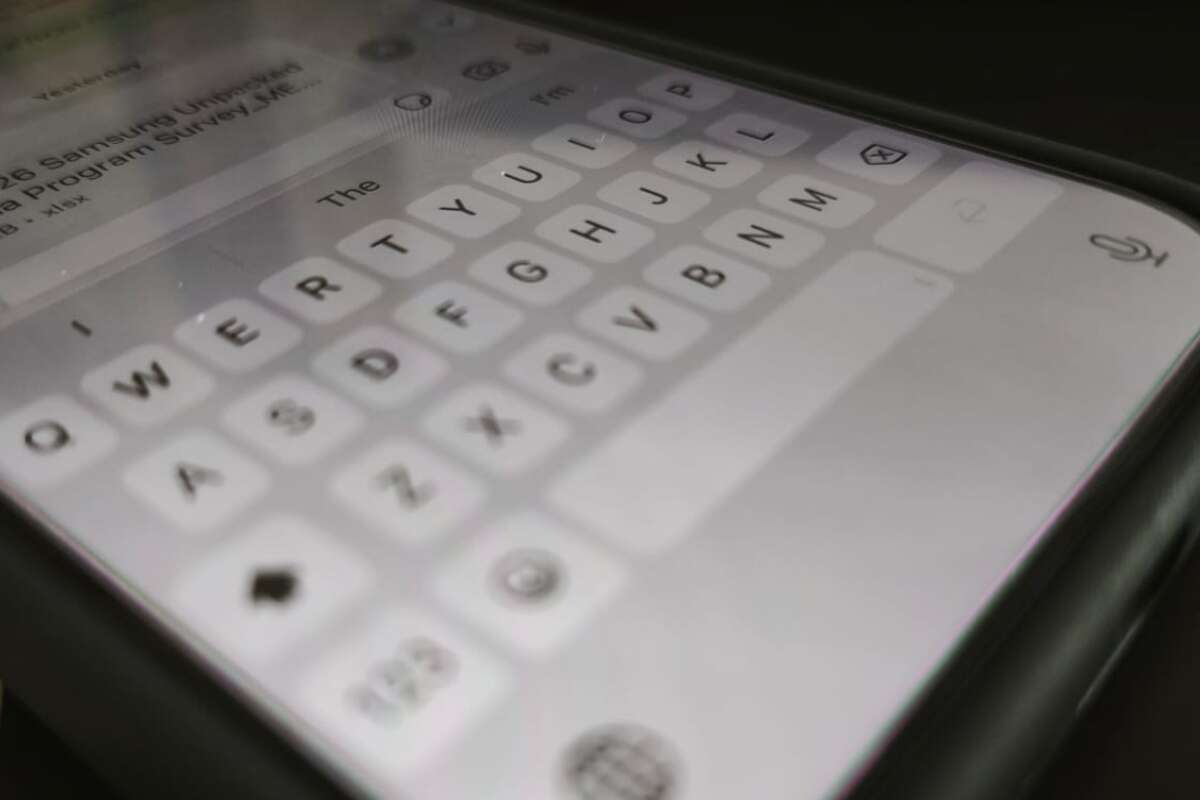
Many iPhone users in Israel have recently been reporting annoying glitches with their device's keyboard. It seems that the autocorrect, which is supposed to make typing easier, has started replacing correct words with unclear words or "gibberish," causing significant frustration while sending messages.
The problem is usually caused by an accumulation of errors in the device's memory over time. The system learns the user's typing habits, but sometimes it accidentally saves incorrect words or unwanted shortcuts, causing it to suggest them repeatedly while typing.
To fix the situation, experts recommend resetting the keyboard settings. This can be done through the settings menu on the device, under the General tab, and then by selecting the option to reset the keyboard dictionary. This action deletes all the incorrect corrections the device has learned and keeps the keyboard settings clean.
In addition, it is worth checking the list of shortcuts defined on the device. Often, old shortcuts we have forgotten about cause the system to replace words automatically. Deleting unused shortcuts can prevent further errors and improve the daily user experience.
In conclusion, if you feel that your keyboard has "gone crazy," don't worry – it is a common software glitch that can be easily solved. Making sure to clear your keyboard settings from time to time will ensure that your device continues to work properly and comfortably.