How to view deleted WhatsApp messages? A simple solution for Android users
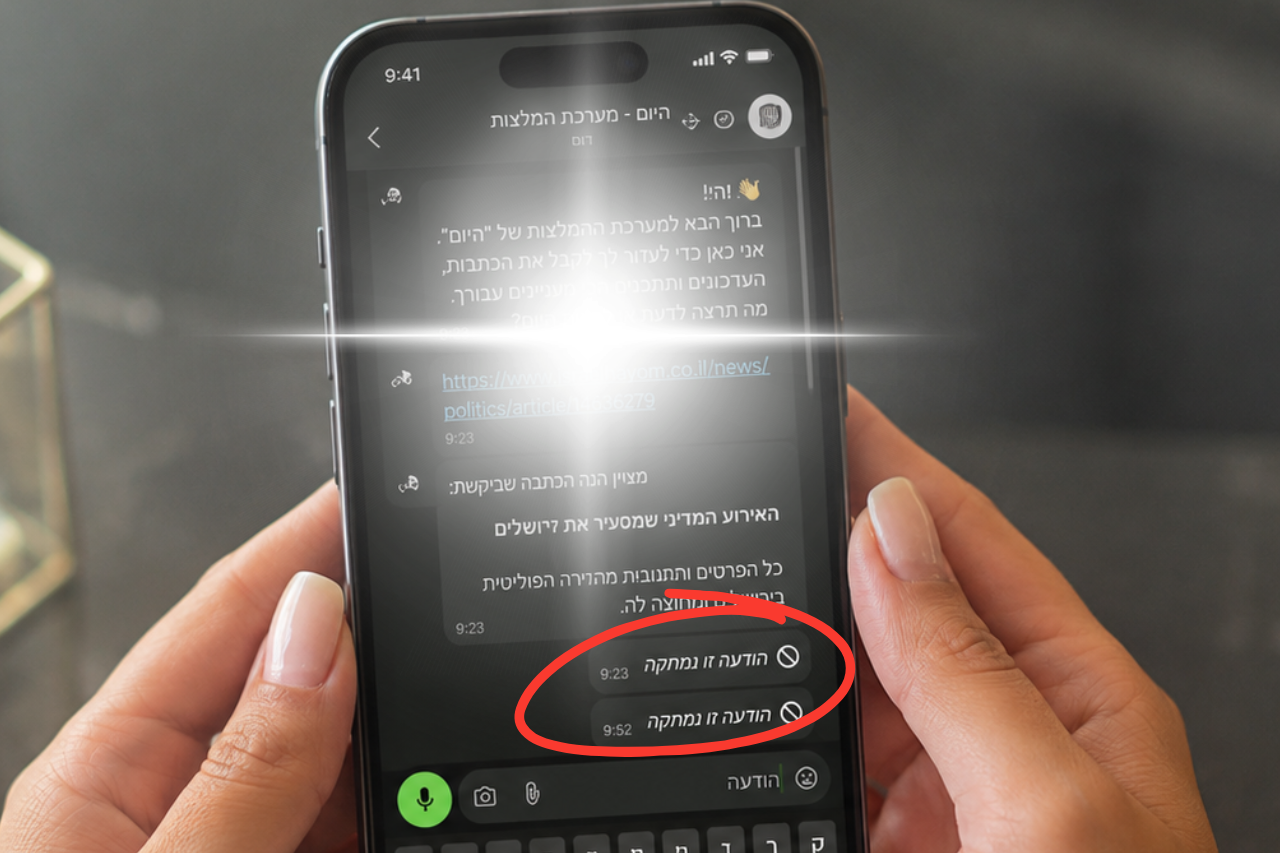
Many of us have encountered a situation where we received a message on the WhatsApp app, but before we could read it, the sender deleted it. Until now, many users have tried to find unofficial solutions or external apps to recover the content, but these are often unsafe solutions that can compromise user privacy.
It now turns out that there is no need to risk using questionable apps. There is a simple and official way to see deleted messages, and that is by changing just one setting on your phone. It is a built-in feature in the Android operating system that allows you to log all notifications that arrive on the device.
To enable this option, you need to go into your device settings and look for the "Notifications" menu. Inside the menu, look for the option called "Notification history." After turning on the switch, the device will begin saving all incoming messages, even if they are later deleted within the WhatsApp app.
It is important to note that this solution is mainly relevant for Android users with current versions. Thanks to this simple action, you will be able to see the content of the deleted message directly from the phone's notification history, without relying on third-party software that could compromise your data security.